Close Menu
Sirus Gaming
    • News Stories
    • Features
    • Reviews
    • Previews
    • Guide
    • Review Policy
    • Privacy Policy
    • Contact
    What's New in Sirus?

    PRAGMATA Launches April 24, 2026, Demo Available Now on Steam

    December 18, 2025

    Dispatch Comes to Nintendo Switch on January 28, Pre-Orders Now Live

    December 18, 2025

    LEGO Batman: Legacy of the Dark Knight Launches May 29, 2026; Pre-Orders Now Open

    December 18, 2025
    Facebook X (Twitter) YouTube
    Sirus Gaming
    Sirus Gaming
    Tears of the Kingdom Paraglider cover
    Guide

    How to Get the Paraglider in Zelda: Tears of the Kingdom

    By Dave AcuñaMay 13, 20233 Mins Read
    Share
    Facebook Twitter LinkedIn Pinterest Email

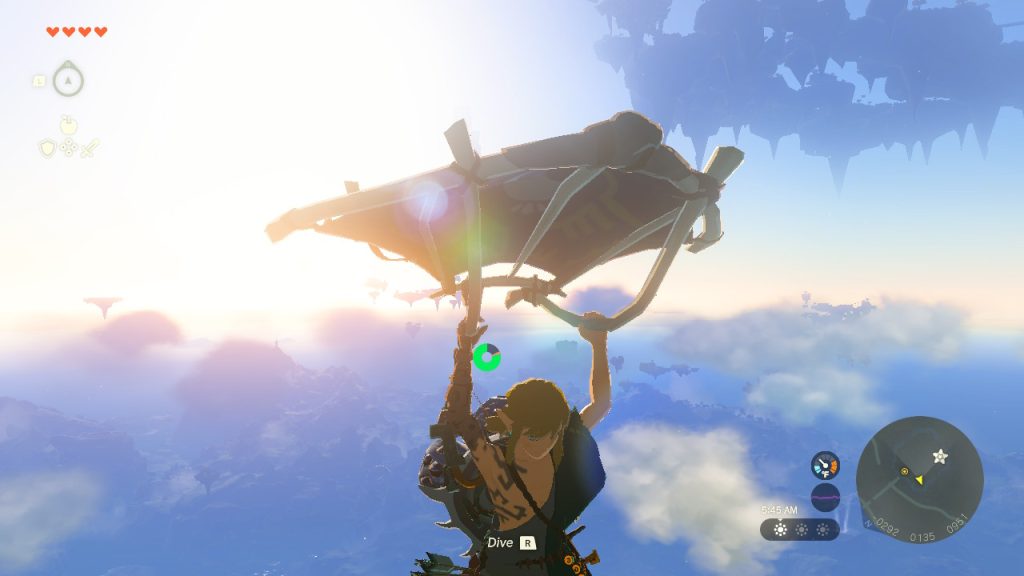
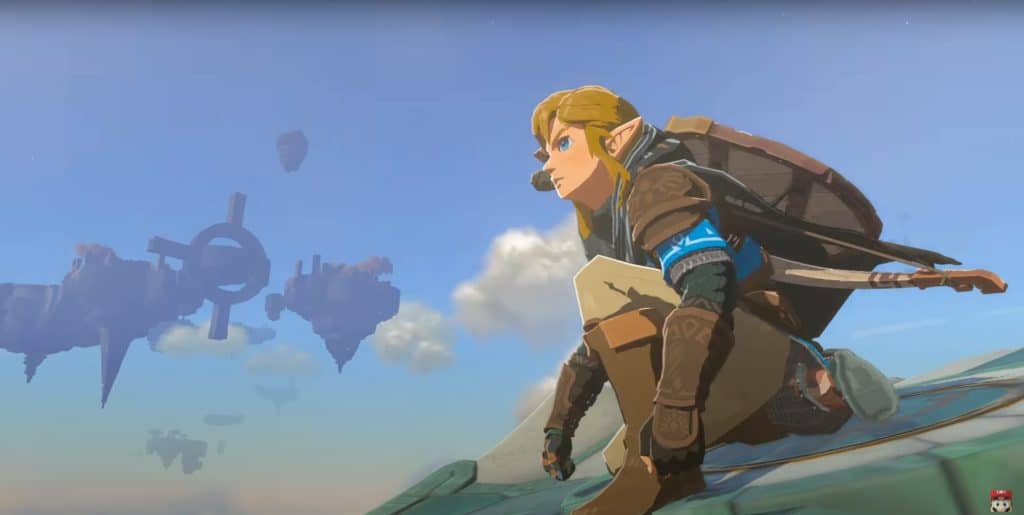
    The Paraglider comes back in The Legend of Zelda: Tears of the Kingdom and it’s more indispensable as ever now that Link has to travel down lengthy heights. Luckily, Link will be able to get it pretty early in the game.

    Read ahead as we go through the steps on how to get the paraglider and share some additional details regarding how you can use it in The Legend of Zelda: Tears of the Kingdom.

    How to get the Paraglider in Tears of the Kingdom

    Coming from the Great Sky Islands and as part of the To the Kingdom of Hyrule quest, Link will have to jump down to Hyrule’s surface without a Paraglider, so make sure to stick the landing on the lake below so he survives the fall.

    Once you land in Hyrule, you will then proceed with the Crisis at Hyrule Castle quest. Follow the marker up north to reach the Lookout Landing where you will meet Purah. For now, follow the objective to look for Captain Hoz at the Hyrule Castle up north and we’ll get back to Purah later.
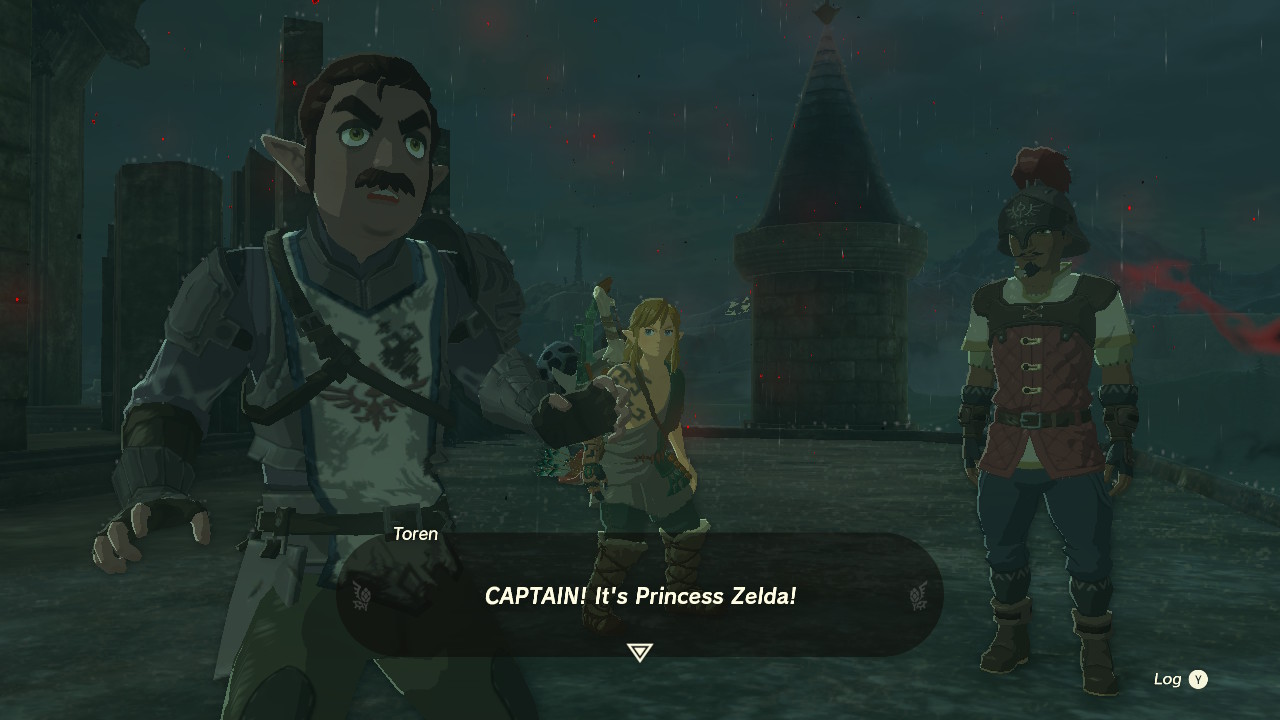
    Captain Hoz at the Hyrule Castle - Paraglider in Tears of the Kingdom

    Make your way up the castle to the next marker. Once you are at the marker, use Ascend to easily make it to the top level where you will find Captain Hoz. After the cutscene where one of the guards spots Zelda, you can then explore the rest of the castle, or make your way back to the Lookout Landing for now.
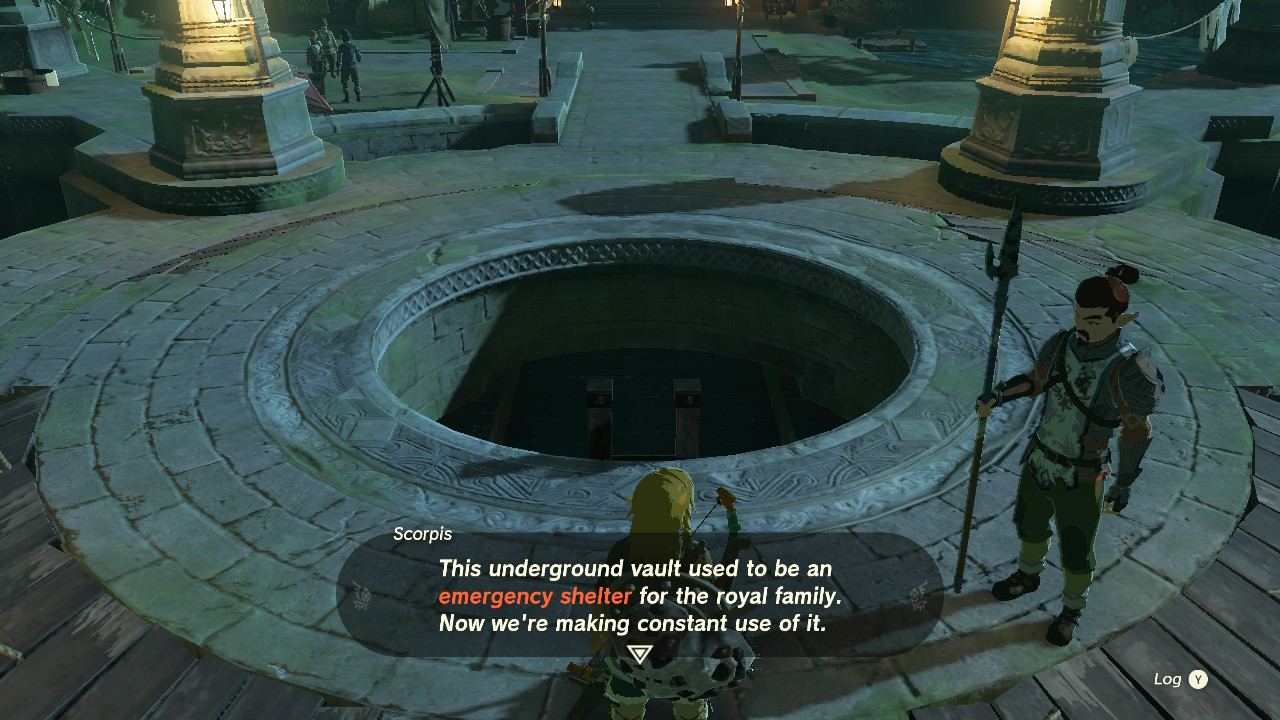
    Emergency Shelter - How to get the Paraglider in Tears of the Kingdom

    Back at the landing, meet up with Purah and she will tell you to check the Emergency Shelter first. Talk to the guard at the middle of the lookout and he will open the entrance to the shelter. You can spend some time talking to the NPCs in the shelter, then head back out and go to the Skyview Tower. These towers were developed by Purah to replace the Sheikah Towers that are now gone.
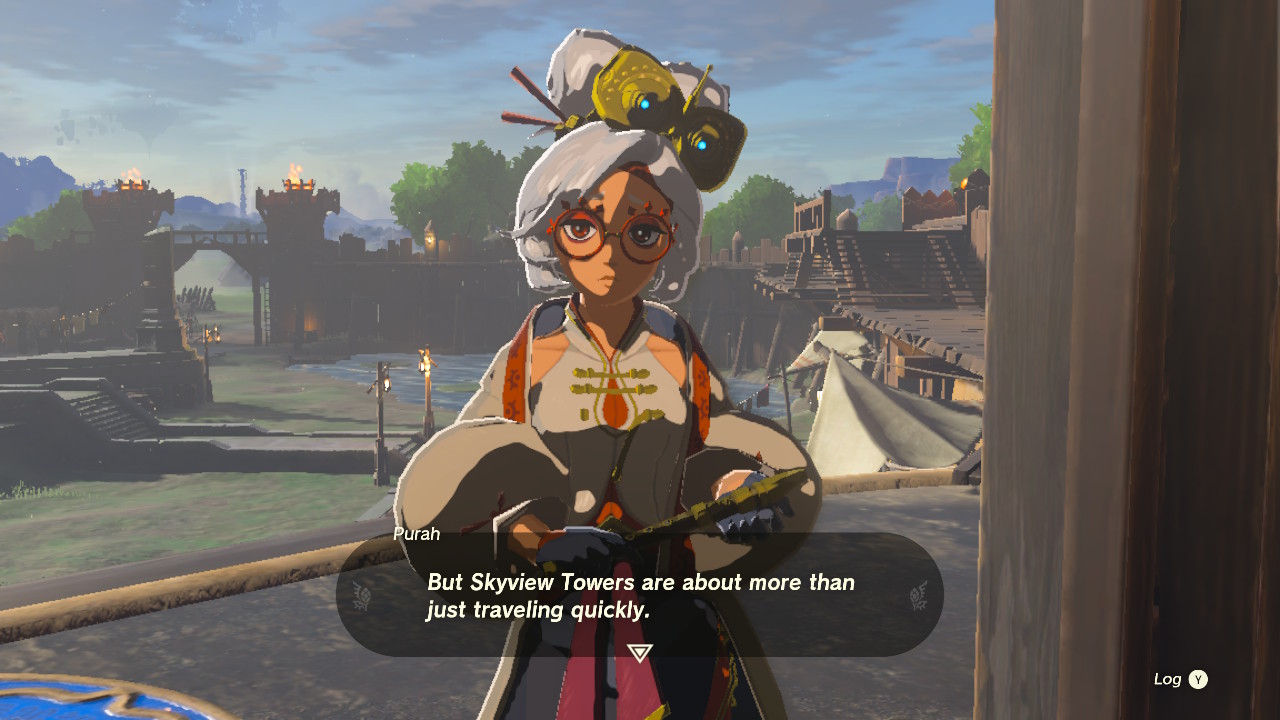
    Purah - How to get the Paraglider in Tears of the Kingdom

    Talk to Purah in the tower and she will finally give you the Paraglider. Next, interact with the terminal nearby and Link will step on to the platform to be shot upwards to perform a survey. As he lands, you will then get the chance to test out the Paraglider yourself.

    How to Use the Paraglider in Tears of the Kingdom

    The Paraglider can be deployed by pressing the X button during freefall. Press the R button to put away the Paraglider and dive down, and it can be redeployed again. While gliding down, it will consume Link’s stamina slowly. To counter this, you can consume a stamina-replenishing food mid flight.

    If you have enough altitude to spare, you can also prolong the distance of your glide by going on freefall first and moving the analog stick to where you want to land. Then use your Paraglider once you are at gliding distance away to ensure that you will have a safe landing.

    The Paraglider can also be used on updrafts created by flames to get some altitude, although creating your own fire and riding it takes a bit of timing and the amount of height that you can get from it would not be as high.


    More guides for Zelda: Tears of the Kingdom

    Share. Facebook Twitter Pinterest LinkedIn Tumblr Email
    Dave Acuña

    Dave, a seasoned author at Sirus Gaming since 2015, consistently delivers top-notch content that has made him a household name. His expertise lies in crafting comprehensive gaming walkthroughs that transform complex games into accessible adventures. Dave finds solace in passive gaming experiences. Generally detests playing horror games and even FPS games just because he hates the idea of being sneaked at from the sides.

    Related Posts

    Tears of the Kingdom Confirmed Not Getting Any DLC

    September 6, 2023

    Tears of the Kingdom Elements and Link’s Abilities Patented by Nintendo

    August 9, 2023

    Zelda: Tears of the Kingdom Update Fixes Quest Issues

    July 5, 2023
    Sirus Exclusives
    The Game Awards 2025 Complete Winners List, Game of the Year & Highlights

    The Game Awards 2025: Complete Winners List, Game of the Year & Highlights

    December 11, 2025

    The Outer Worlds 2 on PS5 Is the Starfield Experience You Actually Wanted

    November 18, 2025

    How Talking About The Outer Worlds 2 Made Me Believe in Obsidian All Over Again

    October 23, 2025

    Hades 2 and the Games I Regret Buying

    October 22, 2025
    About Us
    About Us

    Sirus Gaming is a team of passionate gamers delivering the latest news, reviews, and insights on the gaming industry.

    Find us on OpenCritic, and we're proud to have been a voting jury in The Game Awards since 2022.

    Contact us: [email protected]

    Check Our Reviews
    8

    Escape from Tarkov – Review

    November 27, 2025
    9

    Dispatch – Review

    November 19, 2025
    8

    The Outer Worlds 2 – PS5 Review

    November 18, 2025
    Exclusive Content
    The Game Awards 2025 Complete Winners List, Game of the Year & Highlights

    The Game Awards 2025: Complete Winners List, Game of the Year & Highlights

    December 11, 2025

    The Outer Worlds 2 on PS5 Is the Starfield Experience You Actually Wanted

    November 18, 2025

    How Talking About The Outer Worlds 2 Made Me Believe in Obsidian All Over Again

    October 23, 2025
    Facebook X (Twitter) YouTube
    • Privacy Policy
    • Review Policy
    • Contact
    © 2025 Sirus Gaming. Designed by Sirus Media Digital.

    Type above and press Enter to search. Press Esc to cancel.