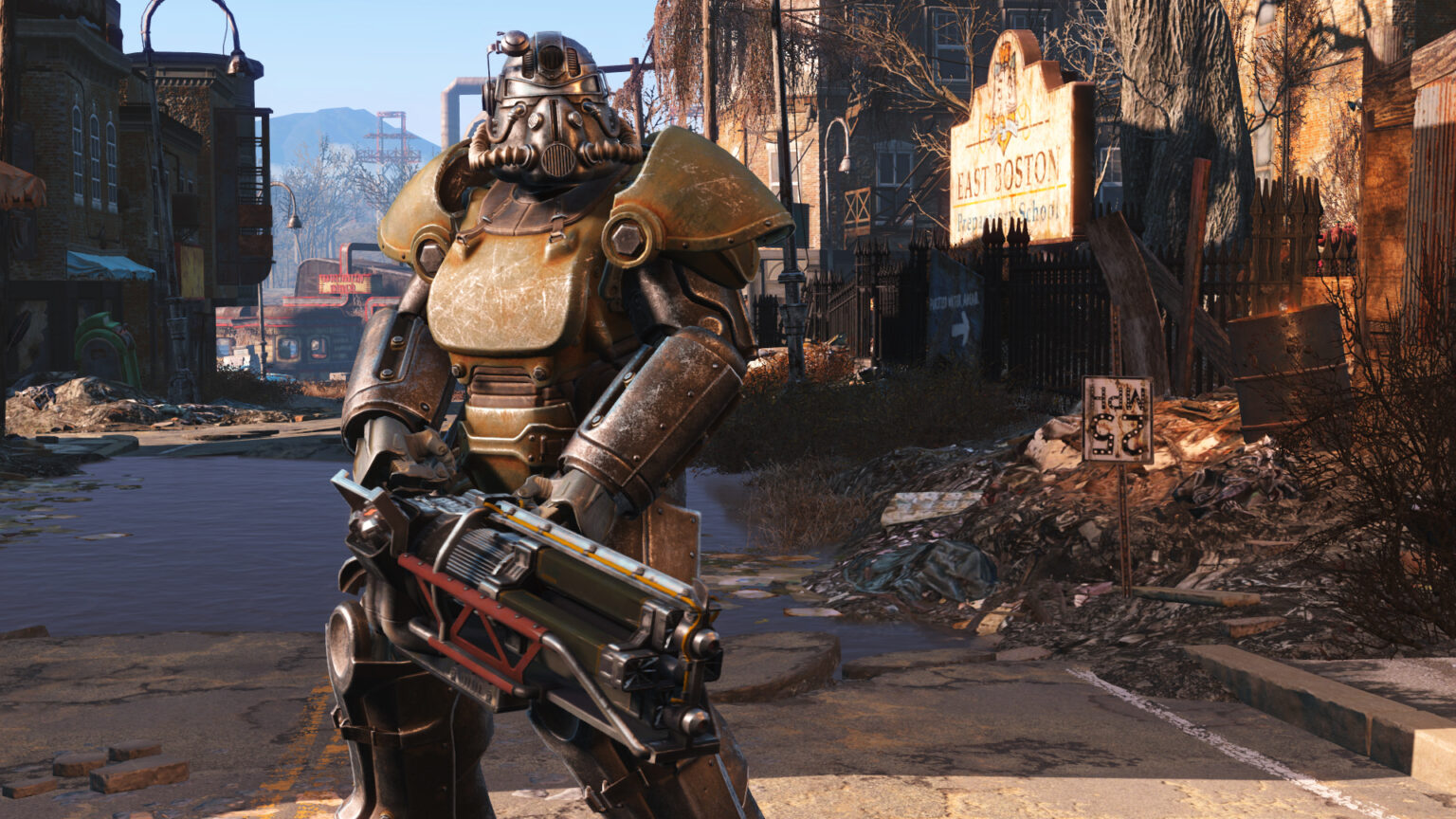
Bethesda Game Studios has just announced details for Fallout 4 Modding and the Creation Kit, with the open beta now available for PC. See below for full details, or visit Bethesda.net.
Mods and the players who create them have always been an important part of our games, going all the way back to Morrowind and The Elder Scrolls Construction Set. We believe that our games become something much more special, when we put the power of creation in your hands. New quests, environments, characters, dialogue, outfits, weapons and more – with Mods, the possibilities of what you can do are endless. You are creating new experiences that enhance and take our games into amazing and surprising new directions.
For Fallout 4, our goal was to make Mods easier and more accessible than ever before – for both the creators and the players. By building an all-new system with Bethesda.net we’ve made a huge leap forward in achieving that.
You can now browse and search for the latest and greatest Mods, choose your favorites, post feedback, and install them – all within the game. Simply select Mods from the main menu, and start browsing.
If you want to try making Mods (and we think everybody should), the Creation Kit – the same tool that we used to create Fallout 4 – is a free download via the Bethesda.net launcher. You can check out the Creation Kit Wiki, our online documentation and help file, for more details and tips on how to make them.
We plan to update and evolve Mods and the Creation Kit based on your experiences so be sure to leave feedback in their forums.
How to access the 1.5 Update in Steam Beta:
- Log into Steam
- Right Click on Fallout 4 in your Library
- Select Settings
- Select Betas
- A drop down menu will appear. Select beta
- Select OK
- Wait a few minutes and Fallout 4 should update
- When done, Fallout 4 should appear as Fallout 4 [Beta] in your Library
For console players, Mods will be coming to Xbox One in May and PlayStation 4 in June.