Close Menu
Sirus Gaming
    • News
    • Features
    • Reviews
    • Previews
    • Guide
    • Review Policy
    • Privacy Policy
    • Contact
    Facebook X (Twitter) YouTube
    Sirus Gaming
    Sirus Gaming
    News

    Mass Effect Legendary Edition Minimum System Requirements Are Not That Heavy

    By Christian PepitoFebruary 3, 20212 Mins Read
    Share
    Facebook Twitter LinkedIn Pinterest Email

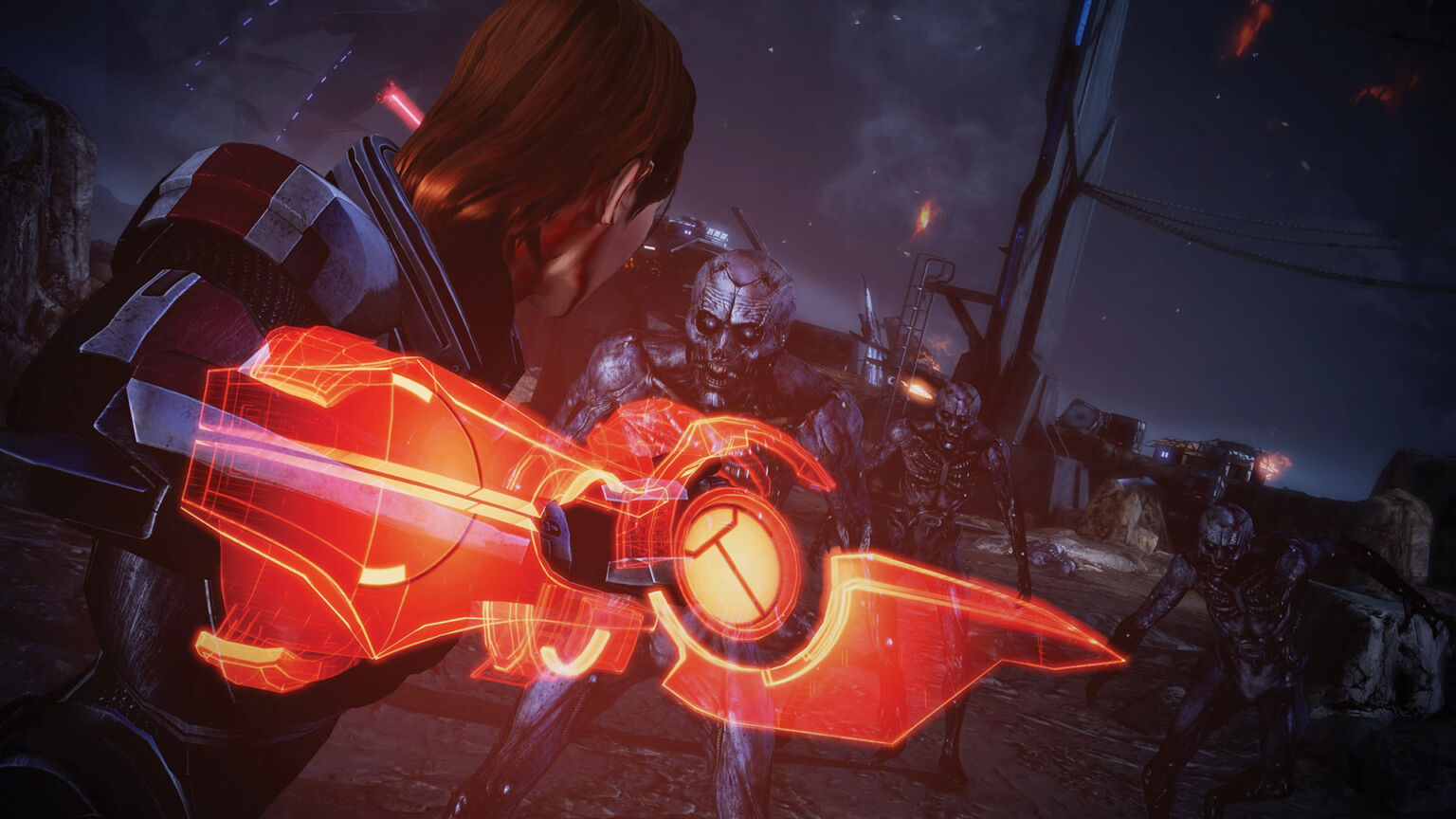
    After the announcement of the video game collection Mass Effect Legendary Edition, a lot of new information just got revealed and one of them right now can be seen on PC platform Steam.

    The official Steam listing has revealed the official system requirements for the most anticipated video game collection and it looks to be not that demanding. Check out the minimum requirements first:

    Minimum:

    • Requires a 64-bit processor and operating system
    • OS: 64-bit Windows 10
    • Processor: Intel Core i5 3570 or AMD FX-8350
    • Memory: 8 GB RAM
    • Graphics: GPU: NVIDIA GTX 760, AMD Radeon 7970 / R9280X GPU RAM: 2 GB Video Memory
    • DirectX: Version 11
    • Storage: 120 GB available space

    Surprisingly, the game only needs a third generation Intel processor, 8GB RAM and at least a GTX 760 with 2GB video memory to run all three games. It does take a lot of storage space though, 120GB of it.

    Here’s the recommended specs:

    Recommended:

    • Requires a 64-bit processor and operating system
    • OS: 64-bit Windows 10
    • Processor: Intel Core i7-7700 or AMD Ryzen 7 3700X
    • Memory: 16 GB RAM
    • Graphics: GPU: NVIDIA GTX 1070 / RTX 200, Radeon Vega 56, GPU RAM: 4 GB Video Memory
    • DirectX: Version 11
    • Storage: 120 GB available space

    The requirements could indicate that it will showcase an insane number of improvements to the game like higher resolutions, better visuals, and more.

    Mass Effect Legendary Edition is launching on May 14 on PC via Steam, PlayStation 4, and Xbox One. It is also forward compatible with the Xbox Series X/S and PS5.

    Source: Steam

    Share. Facebook Twitter Pinterest LinkedIn Tumblr Email
    Christian Pepito

    Meet our dedicated gaming news writer, a true aficionado of hardcore JRPGs, PS1 Classics, and the thrill of stealth-action games. He enjoys playing the games he collects, friendly or competitive tabletop card games, and is constantly on the quest for the ultimate ramen experience.

    Related Posts
    9

    Control Resonant – Review

    September 23, 2026

    Xbox Cuts 268 Jobs as Activision Takes Over Halo Development in Massive Restructuring

    September 22, 2026

    Bill Skarsgård Confirmed as Lead in Hideo Kojima’s Physint

    September 17, 2026
    Sirus Exclusives

    Where Winds Meet: Hidden Mountain Chapter 3 Finale Hands-On Preview

    September 12, 2026

    Where Winds Meet Interview: Defining True Wuxia and What Comes After Hidden Mountain

    September 12, 2026

    Firaxis Fixed Civilization VII, But Did They Fix the Right Things?

    July 13, 2026

    Xbox Games Showcase 2026 Recap: Every Major Announcement

    June 9, 2026
    About Us
    About Us

    Sirus Gaming is a team of passionate gamers delivering the latest news, reviews, and insights on the gaming industry.

    Find us on OpenCritic, and we're proud to have been a voting jury in The Game Awards since 2022.

    Contact us: [email protected]

    Check Our Reviews
    9

    Control Resonant – Review

    September 23, 2026
    9

    Marvel Tokon Fighting Souls – Review

    September 22, 2026
    9

    Silent Hill: Townfall – Review

    September 21, 2026
    Exclusive Content

    Where Winds Meet: Hidden Mountain Chapter 3 Finale Hands-On Preview

    September 12, 2026

    Where Winds Meet Interview: Defining True Wuxia and What Comes After Hidden Mountain

    September 12, 2026

    Firaxis Fixed Civilization VII, But Did They Fix the Right Things?

    July 13, 2026
    Facebook X (Twitter) YouTube
    • Privacy Policy
    • Review Policy
    • Contact
    © 2026 Sirus Gaming. Designed by Sirus Media Digital.

    Type above and press Enter to search. Press Esc to cancel.